


Restaurant invoice reconciliation automation across delivery platforms
A multi-brand European restaurant group was reconciling delivery platform payouts by hand, across hundreds of invoices arriving every billing cycle. Brainy Neurals built an automation pipeline that signs in, downloads every invoice, extracts the figures, and writes the reconciliation sheets. The finance team now reviews finished spreadsheets instead of assembling them.

Nandni Barot
AI Engineer, Brainy Neurals

Rushabh Shah
AI Engineer, Brainy Neurals
Published September 2026 · Last updated September 2026 · 12 min read
02 · Quick answers
At a glance
What problem did this solve?
01Days lost every month to retyping invoices by hand.
A restaurant group’s finance team downloaded and retyped hundreds of delivery platform invoices each cycle, and duplicates and gaps still slipped through.
What did Brainy Neurals build?
02One pipeline that collects, extracts, and reconciles.
It signs in to three delivery platforms, pulls every statement, extracts each figure, and writes the reconciliation sheets on its own.
What changed after it went live?
03Portal to finished sheet, with no one in the loop.
Invoices now flow straight from the platforms to filled sheets, and the finance team reviews the output while a dashboard tracks every run.
Who else could use this?
04Anyone billed by a platform they don’t control.
Marketplace sellers, hotel groups, freight shippers, and franchise networks all reconcile the same way.
Engagement facts
- Industry
- Food service
- Sub-vertical
- Multi-platform delivery
- Client
- European restaurant group
- Engagement
- Reconciliation automation build
- Timeline
- Not disclosed
- Capabilities
- Document AI, workflow automation
- Delivery
- Project-based delivery
- Platforms
- Three delivery platforms
Why did reconciliation take days every month?
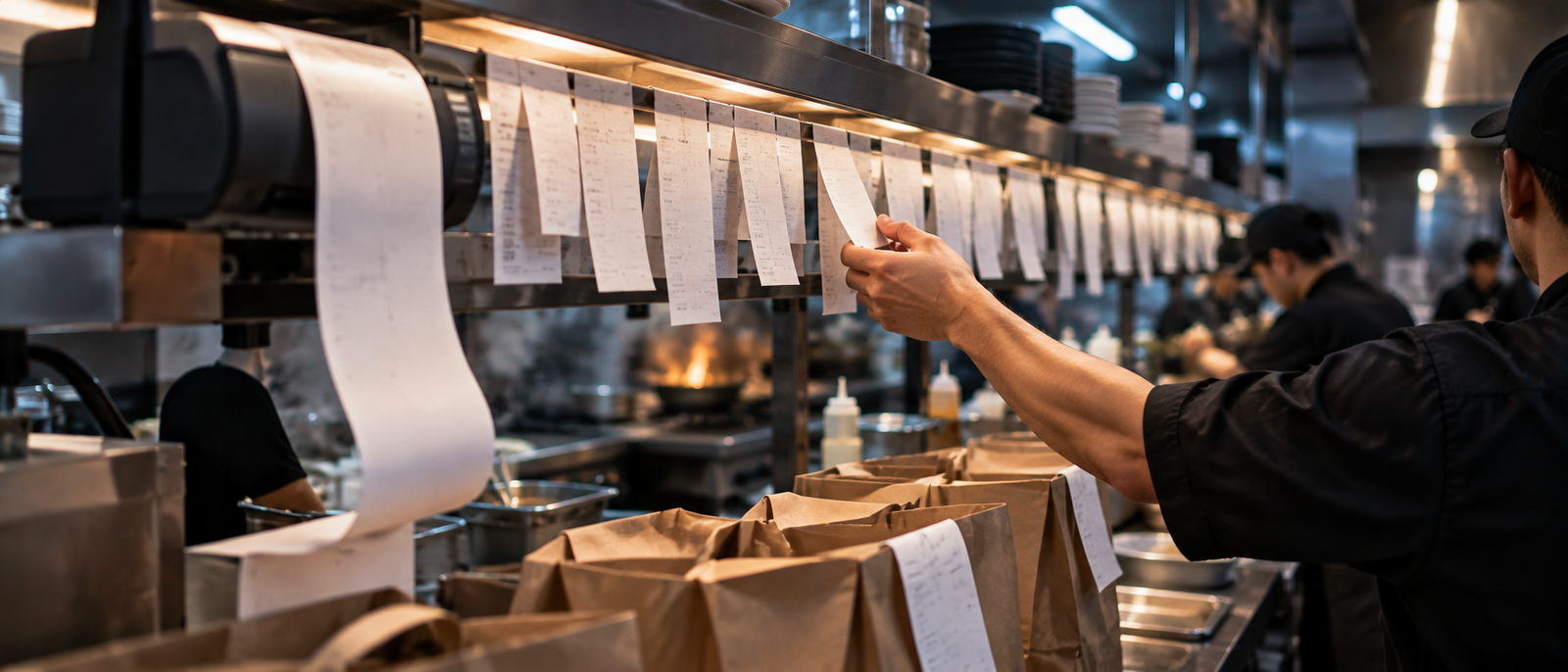
A multi-brand European restaurant group sells through three delivery platforms, and each platform bills in its own way. Statements arrive as PDF invoices, CSV transaction reports, and ZIP archives full of both, in several billing cycles a month. The finance team pulled all of it down by hand, the exact grind intelligent document processing exists to end.
- 01Every billing cycle meant another round of logins, one platform and one account at a time.
- 02Every invoice was opened, read, and retyped, and every keystroke was a chance to be wrong.
- 03Every restaurant needed its own analysis spreadsheet, and dozens of restaurants meant dozens of spreadsheets.
- 04Nobody could say mid-month whether an invoice was missing until the totals refused to match.
None of this was unique to restaurants. A 2019 study of robotic process automation adopters found teams targeting work that is structured, repeated, rules-based, and digital[1].

What gets tried before automation?
Four routes get tried before anyone builds, and each one is reasonable.
| Approach | What it gets right | Where it stops | Who it still suits |
|---|---|---|---|
| Keep it manual | Full control, no new tools | Days per month, growing | One brand on one platform |
| Platform dashboards and exports | Official data, always current | One silo per platform | Single-platform operators |
| Off-the-shelf invoice OCR | Strong on standard supplier invoices | Cannot log in and fetch | Invoices that arrive by email |
| Platform-aware pipeline, our route | Collection through reconciliation, one run | Needs upkeep when portals change | Multi-brand groups at volume |
Researchers describe this class of software as tools that drive another system’s interface the way a person would[2].
How we designed the reconciliation pipeline
Brainy Neurals built the invoice reconciliation automation as one straight line from portal to spreadsheet. A scripted browser collects the files, an extractor turns invoices into rows, and a builder fills the sheets. The whole thing runs as workflow automation with a browser standing in for the API the platforms never offered.
The first decision was where the files would come from, portal by portal. We rejected waiting on exports or data feeds, because the portals are the only place every invoice reliably appears. So the pipeline drives each portal itself, holding its sessions open behind a managed proxy network.
The second decision was to fix the sheet structure before writing any code around it. Every row is keyed by restaurant and billing period, so a duplicate has nowhere to land. If one invoice is missing, the month is wrong, so completeness beat speed in every call we made.
If one invoice is missing, the month is wrong, so completeness beat speed in every call we made.
Reading a PDF invoice is the easy half of document AI. Collecting every file across portals and cycles took most of the engineering.
The technology stack we used
Every layer replaces a step the team ran by hand. We kept the client inside familiar tools.
The spreadsheet is older than the web, and month end still lives in one.
01 · Collection
Portal automation
A scripted browser on every platform
The only place every invoice reliably shows up
Instead of waiting on data feedsLogin sessions
Saved sessions held behind proxies
Fresh logins kept getting blocked
Instead of signing in from scratch each run02 · Storage & extraction
File storage
Cloud storage plus the shared drive
Nothing ever sits on a laptop
Instead of a local downloads folderInvoice reading
Layout rules tuned per statement
Each platform layout stays fixed
Instead of general-purpose OCRDuplicate control
Keys per restaurant and period
A repeat invoice has nowhere to land
Instead of cleaning up after the import03 · Reporting & operations
Reconciliation sheets
The team’s own spreadsheets
Finance already works there every day
Instead of a brand-new reporting toolAnalysis sheets
One formula template per store
One clean sheet for every invoice
Instead of pivots rebuilt by handDashboard
A web app on a Python API
Every failure shows up live
Instead of log files nobody readsHow does one monthly run work?
One monthly run, start to finish, in the order the pipeline works.
- 1The run starts from the dashboard or the monthly schedule, with an account, a platform set, and a date range.
- 2A scripted browser signs in to each platform with the saved session and opens the reporting section.
- 3It collects every invoice, transaction report, and archive for every restaurant inside the billing range.
- 4Each file lands in object storage and the shared drive, filed by platform, account, restaurant, and period.
- 5The extractor reads each invoice and writes commissions, payouts, taxes, and fees into the account sheet.
- 6A builder fills one analysis sheet per store from the transaction data, and the dashboard logs the run.
Six steps, and the only human touch is the click that starts them.
The four problems that nearly stopped us
Four things went wrong, and the platforms came first, treating the automation as the intruder an unknown browser is. Sessions expired mid-run, and some logins met walls a person never sees.
Then volume broke the first downloader outright. A run pulling hundreds of files could die at file two hundred and lose the lot.
Billing cycles overlap, and two cycles can bill the same restaurant twice. Early sheets carried duplicate rows and silent gaps where a cycle went missing.
And for weeks, failure itself was invisible. A run could stop at restaurant sixty with nobody knowing until a sheet came up short.
Extraction breaking when a source changes is old, studied ground. One study that watched 27 web wrappers for a year logged 37 format changes among them[3]. These are the weeks a client brings in specialist engineers rather than learning it slowly.
How we fixed each of them
01 · Sessions
We moved every login onto persistent authentication states, carried behind a managed proxy network. The browser now behaves like the same returning user it claims to be, and the walls stopped appearing.
02 · Volume
We made each restaurant its own unit of work, wrapped in retries. A run now finishes what it can and records what remains for the retry pass.
03 · Duplicates and gaps
Every row is keyed by restaurant and billing period, so a second copy simply overwrites the first. A separate check counts expected cycles against received files and flags every gap.
04 · Visibility
We built the monitoring dashboard, a web app on a Python API with role-based login. It shows live progress and full history. Failed accounts re-run on their own, without repeating the whole batch.
A proof of concept against one account surfaced the first two of these before anything was promised.
What changed after go-live?
| What | Before | After |
|---|---|---|
| Collecting invoices | Log in and download by hand | The pipeline fetches every file |
| Getting the figures | Retyped from PDFs into sheets | Extracted straight from the files |
| Duplicates and gaps | Found at month end, sometimes | Blocked by the keyed structure |
| Seeing a failed run | Nobody knew until totals slipped | Visible live on the dashboard |
| Adding a restaurant | Another spreadsheet to maintain | Another row in the next run |
We have not published an hours-saved figure, though the client reports the monthly close got faster. A number we have not measured is a number we will not print.
So the change from invoice reconciliation automation, day to day, is what the finance team no longer touches. Nobody signs in to a portal anymore. And nobody retypes a single commission line.
The files arrive filed and extracted, with the reconciliation sheets filling themselves.
What does your finance team keep retyping?
No sales sequence. One reply, from the person who would architect it.
No sales sequence. One reply, from the person who would architect it.