


Case study · Edge AI and embedded systems
On-device object detection without a cloud round-trip
A US industrial device manufacturer needed real-time object detection on its camera-equipped hardware without streaming every frame to the cloud. Brainy Neurals built an on-device inference pipeline that runs a compact detector on the board’s neural processing unit. The device now captures, detects, and renders every frame itself, with zero cloud calls.
Cloud calls per frame
0
Detection running on the device
100%
Boards from capture to render
1

Prasiddh Mori, Edge AI Engineer.
He led this build on the board’s NPU, from the first failing port to the firmware image that ships.
Technically reviewed by Mitesh Patel, NVIDIA Certified AI Architect
Published August 2026 · Last updated August 2026 · 12 min read
01 · At a glance
At a glance
- What problem did this solve?
- Camera-equipped industrial devices could not run object detection in real time on their own. Cloud inference filled that gap and brought latency, bandwidth cost, and connectivity risk.
- What did Brainy Neurals build?
- Brainy Neurals built an on-device object detection pipeline for a US industrial device manufacturer. A compact detector runs on the board’s neural processing unit (NPU), in C.
- What changed after it went live?
- Detection now runs on the device, with no cloud round-trip and no per-frame bandwidth bill. A dropped connection no longer stops it, and rollout got faster.
- Who else could use this?
- On-device object detection fits any team shipping camera-equipped hardware where frames cannot wait for a network. Shelf cameras, dock cameras, and factory inspection stations all qualify.
Engagement facts
- Industry
- Industrial Internet of Things
- Sub-vertical
- Camera-equipped devices
- Client
- US industrial device manufacturer
- Engagement
- Edge AI inference platform
- Timeline
- Not disclosed
- Capabilities
- Computer vision, edge AI
- Delivery
- Project-based delivery
02 · The problem
Why couldn’t detection stay on the device?
A US industrial device manufacturer ships camera-equipped hardware into places where the network is not guaranteed. The devices had to spot objects in the frame as things happened, not a second later. But the first version sent every frame to the cloud, because on-device inference on that board had never worked.
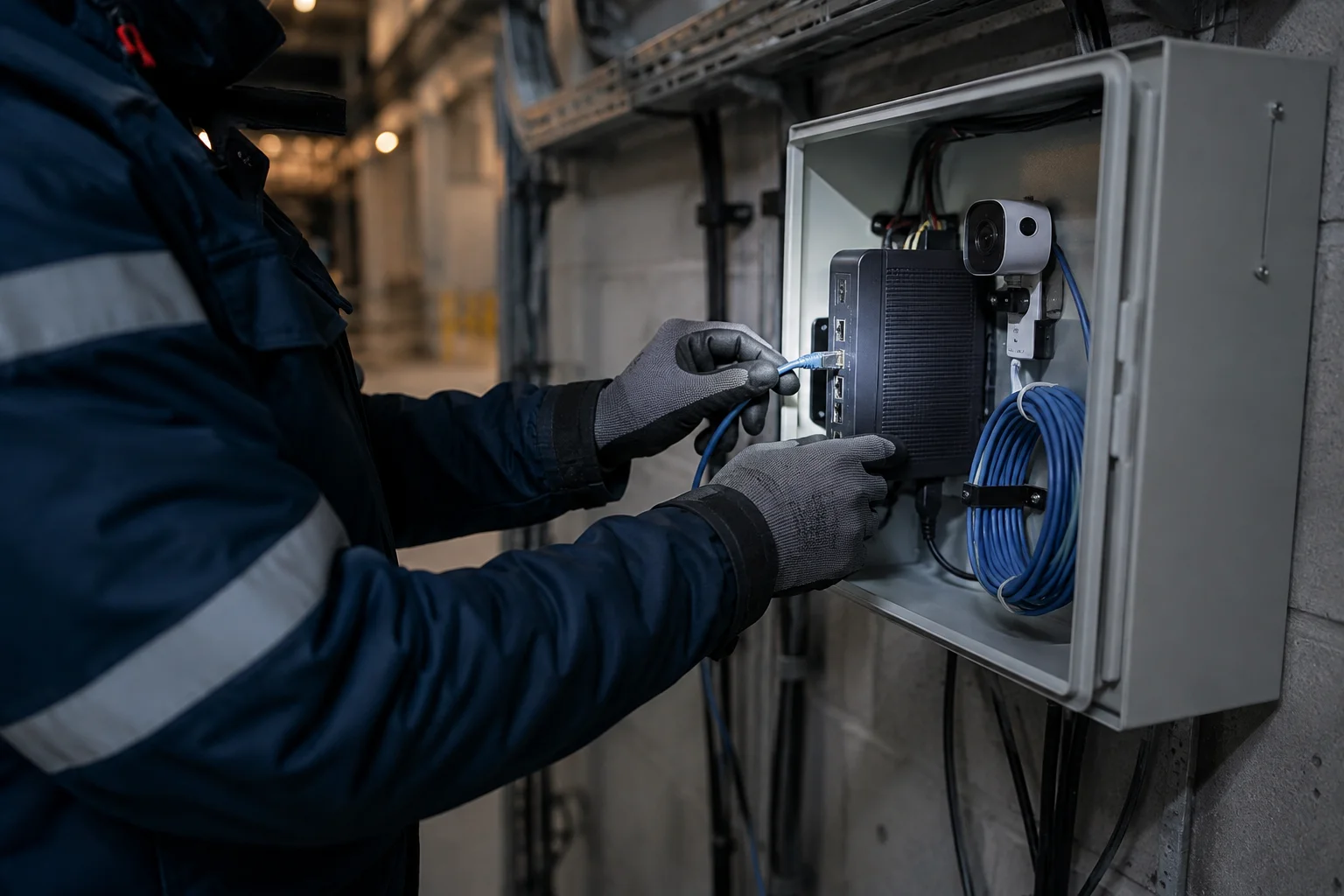
Where it broke
- Every frame left the device, so the uplink bill rose with every camera switched on.
- Every detection waited on a round-trip, so an alert arrived after the moment it described had passed.
- Every network drop turned a smart device into a plain camera until the connection came back.
- Every attempt to run the model on the board’s main processor stalled below usable frame rates.
- Every naive port ran out of memory before it ran out of ideas.
None of this was news. A 2016 edge computing survey listed response time, battery life, and bandwidth cost as reasons to compute on the device [1].
03 · Alternatives
What do teams usually try first?
Four routes, all sensible.
| Approach | What it gets right | Where it stops | Who it still suits |
|---|---|---|---|
| Cloud inference | Any model size, easy updates | Latency and bandwidth on every frame | Solid connections, low frame rates |
| CPU only | No new hardware | Single-digit frame rates, rising heat | Snapshots, not live video |
| Smart camera | Works out of the box | Fixed classes, closed firmware | Pilots with standard objects |
| NPU detector, our route | Real-time frames on the existing board | Weeks of memory and operator work | Devices deciding alone, in volume |
An independent benchmark measured co-processor models running roughly ten times faster than the same models on an embedded CPU [2].
04 · The solution
How we designed the on-device pipeline
Brainy Neurals built the whole pipeline to live on one board, with camera, NPU, and display sharing one memory pool. The camera writes into a fixed ring of buffers. A compact single-pass detector runs each frame on the NPU, and the main processor draws the result.
Nothing waits on a network, because there’s no network in the loop.
Decision 01 · Where detection lives
The first decision was where detection would live. We rejected a hybrid design that offloaded hard frames, because a device that sometimes needs a network still needs one. So the detector had to run every frame locally, and a single-pass model was the only shape small enough.
Decision 02 · What the processor touches
The second decision was what the main processor would touch: capture setup and drawing, in C, nothing else per frame. Python stayed in the toolchain for conversion, calibration, and tests, never on the device at run time.
The object detection model is the least interesting part of this build, and everything around it made it work.
D1 · The system and its boundary
05 · The stack
The technology stack we used
Every layer had to earn its place on a board with a fixed power budget. We chose each one for what it does per watt. The same layers show up in our camera analytics builds, with a different board underneath.
Hardware and capture
| Layer | What we used | Why | What we ruled out |
|---|---|---|---|
| Compute board | Client’s existing board, NPU included | Already qualified | Discrete accelerator module |
| Camera path | Vendor capture into shared memory | One copy per frame | USB camera stack |
Model and runtime
| Layer | What we used | Why | What we ruled out |
|---|---|---|---|
| Detection model | Compact single-pass detector | One pass per frame, real time | Two-stage detectors |
| Precision | Reduced numerical precision | Where this NPU is fast | Full precision on CPU |
| NPU runtime | Vendor runtime, from C | Operators stay on the accelerator | Generic library |
Application and delivery
| Layer | What we used | Why | What we ruled out |
|---|---|---|---|
| Application | C for the frame loop | Predictable timing | Python on the device |
| Tooling | Python for conversion, calibration, tests | Fast to change, never ships | Hand-kept spreadsheets |
| Deployment | Firmware image, model baked in | One artifact per device | Pulling models at boot |
06 · How it works
How does one frame get processed?
One frame, start to finish, in the order the device sees it.
- The camera writes a frame into the next free slot of a fixed buffer ring, so nothing is allocated mid-stream.
- The main processor resizes and packs that frame into the layout the NPU expects, in one pass, in C.
- The NPU runs the compact detector on the packed frame while the processor is already preparing the next one.
- The processor decodes the raw outputs into boxes and labels, and drops overlapping boxes before anything is drawn.
- The renderer draws the boxes onto the live frame and hands it to the display or event output.
- The buffer slot goes back into the ring, and the loop starts again without a single call leaving the board.
Six steps, and the network appears in none of them.
07 · Challenges
The three problems that nearly stopped us
Three things went wrong, in this order.
Failure 01
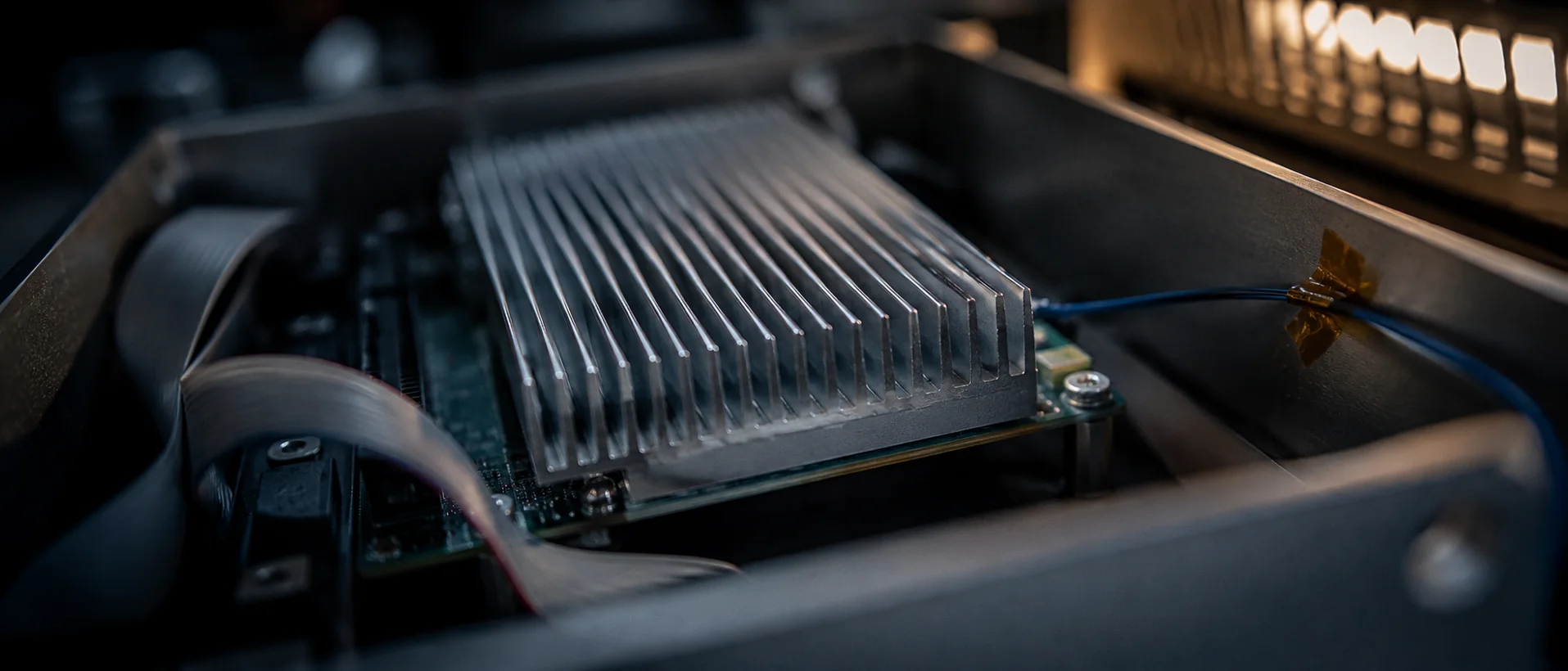
The first port ran out of memory before it ran out of frames, within seconds of starting. Camera, NPU, and processor all drew from one pool, and each copy of a frame counted three times.
Failure 02
Some layers of the detector had no NPU equivalent, which nothing in the toolchain flagged. The runtime ran them on the CPU without complaint. And the frame rate quietly collapsed.
Failure 03
Sustained load pushed the board past its power budget, and it slowed itself down to cope. Detections were still correct. They were also late, which is the same as wrong.
A 2026 benchmark on low-cost edge chips agreed: memory bandwidth, not compute, decides whether detection survives a busy board [3]. These are the weeks when clients ask about bringing in specialist engineers rather than learning it the slow way.
08 · The fix
How we fixed each of them
Each fix is short to describe. None was short to find.
Memory
We replaced every per-frame allocation with a fixed ring of buffers sized at boot. Then we rewrote the capture path so the NPU reads the camera buffer directly, one copy per frame. The crash never came back.
Fallback
We rebuilt the offending layers from operators the NPU supports and made any CPU fallback fail the build. A slow layer now fails the build before it ever reaches a device.
Power
We trimmed the model to the client’s object classes and lowered the input resolution until each frame finished with headroom. The board stopped throttling, and the timing held under sustained load, which the demo build never survived.
The buffer ring, incidentally, is an old trick. Audio drivers have used it for decades.
This is the work a proof of concept exists to surface, before anything is promised.
09 · Results
What changed after go-live?
| What | Before | After |
|---|---|---|
| Where detection runs | In the cloud, after an upload | On the device, on the NPU |
| Cloud calls per frame | One round-trip per frame | Zero |
| Behavior when the network drops | Detection stops | Detection continues |
| Cost that grows with each camera | Cloud inference and bandwidth | Neither |
| Bringing up a new device | Cloud account, uplink, and provisioning | One firmware image |
We have not published a frame-rate, latency, or power figure, though the client reports all three improved. A number we have not measured is a number we will not print.
Day to day, a customer can switch on a device in a room with no network, and it works. Because the compute was bought once, with the board, the bill for detection stops growing with the camera count.
Rollout got faster for the same reason.
Start here
What does your device need to see?
10 · Running today
What is running today
The on-device object detection pipeline runs in production on the client’s devices, on the same board the first prototype used. Each unit runs the whole loop on its own, and nothing about that changes when the network does.
Since handover, the client has rolled the same image across more of its device line for manufacturing customers. The model rides along as one more file in that image, versioned with the firmware it belongs to. Python never made it onto the device, and that is still the rule.
11 · Lessons
What would we do differently?
Check operator support before choosing the model
We picked the detector first and found the unsupported layers second. The order should have been reversed, and it cost time we hadn’t budgeted for.
Measure memory traffic on day one
Accelerator specs advertise compute, so that is what we profiled, and bandwidth turned out to be the real limit. We found it by crashing.
Run the soak test before the demo
A pipeline that holds for a demo and throttles over a shift is not done.
We now run every candidate build hot, for hours, before anyone sees it.
Keep Python off the device from the first commit
It’s tempting to prototype the frame loop in Python and port it later. The port is the project, so start in C.
12 · Where else
Where else does on-device detection fit?
On-device object detection finds objects in live video by running a compact detector on the camera hardware itself. It belongs wherever a frame cannot wait for a network.
| Industry | The equivalent problem | What changes in the build |
|---|---|---|
| Retail | Shelf cameras spotting gaps before shoppers do | Retrain on packaging, send events on change |
| Logistics | Warehouse dock cameras counting pallets with no site network | More pixels for small boxes, costing frame rate |
| Manufacturing | Inspection stations catching defects before the next part | Tighter timing, a reject signal to the line |
| Agriculture | Field sensors watching crops on a solar budget | Duty-cycled capture, a smaller model |
| Fleet safety | In-cab cameras flagging distraction on the move | Vibration-proof mounting, strict rules on what leaves the cab |
Porting takes a retrained detector, an operator check on the new board, and a soak test.
13 · Questions
Questions buyers usually ask
How it works
Can object detection run in real time on an embedded device?
Yes, if the board has an accelerator and the model is built for it. A compact single-pass detector on an NPU handles live video on one board. On the CPU alone, it usually doesn’t.
What is an NPU, and why use one instead of a GPU?
A neural processing unit is a block of silicon built only for neural network math. It runs detection on a fraction of a GPU’s power. On a small device, that power budget is the whole argument.
How is edge AI inference different from cloud inference?
Edge inference runs the model on the device that captured the data, so no video leaves the site. Cloud inference ships each frame over a network and waits for the answer to come back.
Time, cost, and rollout
How long does it take to move a detection model onto an NPU?
A proof of concept on your own board usually takes a few weeks. Operator support, memory layout, and thermal behavior each need a pass. A production image follows once the soak test holds.
How much does an on-device object detection build cost?
The cost depends on the board, the object classes, and what already exists. Brainy Neurals scopes it from a short call and a look at the hardware, then quotes a fixed price. An AI readiness assessment tells you first whether your board can carry the model.
How do the costs of edge AI and cloud AI compare over time?
Edge hardware is a one-time cost per device, and cloud inference is a recurring cost per frame. At low volumes the cloud is cheaper to start. Ship devices in volume for years, and on-device wins by more each year.
14 · Services
The services this was built from
A proof of concept is the fastest way to test this on your board. AI consulting helps choose the hardware first. An AI readiness assessment tells you whether the model will fit, and the industries hub shows where this already runs.
15 · Related
Other builds with this shape
Three more Brainy Neurals builds, each shipped into a real environment rather than a demo.
Overhead Line Geometry Measurement
Stereo cameras on a moving train measuring wire geometry, with inference on the train.
AI Diet Assistant for Gastroenterology
Clinical dietary guidance generated under review gates, live in a healthcare setting.
Personalised AI Meal Planning for Chronic Care
Structured meal plans built from messy personal health data, grounded and reviewable.