









Home / Case studies / AI Electrical Symbol Detection on Contractor Blueprints
Case study · Electrical estimating · Computer vision
AI Electrical Symbol Detection on Contractor Blueprints
A US electrical contracting business handled electrical symbol detection by hand, & each estimator spent 30 to 60 minutes counting one power-plan sheet. Brainy Neurals built a symbol detection pipeline that uses trained computer vision detectors to find & label every symbol. Estimators upload the flat PDF drawing sets they already receive to a web app, & the app now makes the first count for them. A power-plan sheet that took 30 to 60 minutes by hand now comes back boxed & labeled in under 60 seconds.
30 to 60 min
Old hand count per sheet
Under 60 sec
Each sheet boxed & labeled
Flat PDFs
Read with no conversion

Published October 2026
At a glance
The symbol detection build for a US electrical contracting business comes down to four short answers & one fact table.
What problem did this solve?
Electrical estimators read dense power-plan sheets symbol by symbol, at 30 to 60 minutes per sheet. Similar symbols led to miscounts under deadline pressure.
What did Brainy Neurals build?
Brainy Neurals built an automated symbol detection pipeline for a US electrical contracting business. It reads uploaded PDF drawing sets & returns every sheet annotated.
What changed after go-live?
A power-plan sheet that took an estimator 30 to 60 minutes now comes back annotated in under 60 seconds. Estimators now review counts instead of making them.
Who else could use this?
Automated symbol detection fits any team that counts standard symbols on dense technical drawings. Mechanical contractors read their sheets the same slow way, & so do process plant & utility teams.
| Project detail | Answer |
|---|---|
| Industry | Construction & engineering |
| Sub-vertical | Electrical estimating |
| Client | US electrical contracting business |
| Engagement | Symbol detection pipeline |
| Timeline | Not disclosed |
| Capabilities | Computer vision & document AI |
| Delivery | Project-based delivery |
Why did symbol counting stay manual?
Electrical symbol detection stayed manual at a US electrical contracting business because every bid starts with a count of devices on dense power-plan drawings.
Estimators counted receptacles & data outlets on every sheet, along with each fire alarm device. The count lived in an estimator’s eyes, because computer vision object detection had never been pointed at these sheets.
Where the hand count broke
- Each takeoff began with an estimator reading one sheet slowly, highlighter ready.
- Crowded regions hid symbols inside overlapping linework, & a missed device became a missed cost.
- Similar pairs such as duplex against fourplex symbols invited swaps that nobody caught until the material order arrived.
- Deadline pressure turned careful counting into fast counting, & fast counting is where the errors lived.
- Checking a count meant redoing the whole count, so review cost the same hours all over again.
Researchers who reviewed drawing digitisation reached the same verdict years ago, finding automatic analysis of engineering drawings still far from complete[1].

What do estimators usually try first?
Estimators usually try one of four routes first, & each route suits some teams well.
| Approach | What it gets right | Where it stops | Who it still suits |
|---|---|---|---|
| Manual counting | Judgment on messy sheets | Hours across a full drawing set | One-off work, a few sheets |
| CAD layer counts | Exact totals when layers exist | Estimators receive flat PDFs, layers stripped | Teams holding native design files |
| Template-match takeoff tools | Fast on clean, standard symbols | Custom legends break the match | Standard commercial sheets |
| Trained detectors, our route | Reads dense sheets like an estimator | Needs annotated example sheets up front | High sheet volume, recurring legends |
Each of the first three routes stops at a wall that trained detectors get past.
Published research on drawing symbols reports the same obstacle, because real drawings are heavily imbalanced between symbol classes & rare devices suffer[2].
How did we design the detection pipeline?
Brainy Neurals designed the detection pipeline around one rule. An estimator only sees a box that has earned its place.
A full drawing set goes in as one PDF, & the annotated sheets come back out. The client never has to convert or export anything first.
Our first decision was what the detectors would train on. We rejected generic symbol libraries, because legends differ from office to office even under the same electrical code. The detectors learned the client’s own legend instead, the way document AI systems learn a client’s own forms.
Our second decision was what would count as a real detection. Raw output put boxes on blank paper, & grid references kept reading as electrical devices.
Every box now passes three checks before it reaches a sheet, & overlapping finds merge into one. After that change, the ghost boxes stopped surviving.
An estimator only sees a box that has earned its place.
A full drawing set goes in as PDFs & comes out as annotated sheets, with the estimator reviewing after the pipeline.
Mitesh Patel set the detection approach for this build & reviewed every filter that decides what an estimator finally sees.
The detectors are the least interesting part of the build, because everything around them is what made the counts trustworthy.
What technology stack runs the pipeline?
The technology stack behind the electrical symbol detection pipeline had to survive real drawing sets, including hundred-page PDFs & crowded sheets. Legends on those sheets also vary from office to office.
We chose each layer for what it removes from an estimator’s working day. Weighing routes like these is AI consulting work, done before any training run gets paid for.
Document intake
| Layer | Choice | Why | Ruled out |
|---|---|---|---|
| Page rendering | Print-quality page renders | Fine linework survives | Screen previews |
| Page selection | Text scan keeps power sheets | No wasted passes | Reading every page |
Detection
| Layer | Choice | Why | Ruled out |
|---|---|---|---|
| Tiling | Overlapping crops per sheet | Small symbols stay findable | One full-sheet pass |
| Detectors | Specialists per symbol family | Rare symbols get capacity | One catch-all model |
| Serving | Batched GPU passes, CPU fallback | Sheets clear in seconds | One tile at a time |
Review readiness
| Layer | Choice | Why | Ruled out |
|---|---|---|---|
| Filtering | Three false-positive checks | Clean sheets for review | Raw detector output |
| Merging | Overlap-aware dedup across detectors | One box per symbol | Double counting |
| Delivery | Web app taking client PDFs | No client-side prep | Desktop installs, conversions |
How does one drawing set get read?
One drawing set gets read in six fixed steps, & the estimator only arrives after the sixth.
Six steps run in a fixed order, & several specialist detectors read the same tiles at step four.
- The system renders each page of the uploaded PDF at print quality, so fine linework stays sharp.
- A text scan across each page keeps the power-plan sheets & quietly sets the rest of the set aside.
- The pipeline slices every kept sheet into overlapping tiles, so no symbol shrinks below what detectors can see.
- Several specialist detectors scan every tile at once, each one trained on a different family of symbols.
- Three filters strike out blank-paper marks & grid references, along with look-alike reference bubbles, before any box survives.
- Overlapping finds merge into one, & the sheet returns with every symbol boxed & labeled, each with a score.
No step in the pipeline waits on a person, & an estimator appears only at the review after the sixth step.
What nearly stopped the build?
Three problems nearly stopped the build, & they arrived in this order.
The first detector pass found almost nothing, because squeezing a whole sheet to model size starves every symbol of pixels. Small-object research names the same failure, since tiny targets carry too little visual information for a detector to hold onto[3].
The second pass found too much, with boxes on blank paper & grid marks like S.5 reading as devices. A count full of ghost boxes is worse than no count at all.
The third problem hid inside the training sheets themselves. Common receptacles appeared by the thousand & rare fire alarm devices by the handful, so the rare ones kept losing. On safety devices like fire alarms, that is exactly the wrong way to fail.
Clients hire AI developers for weeks like these instead of learning the same lessons at bid speed.
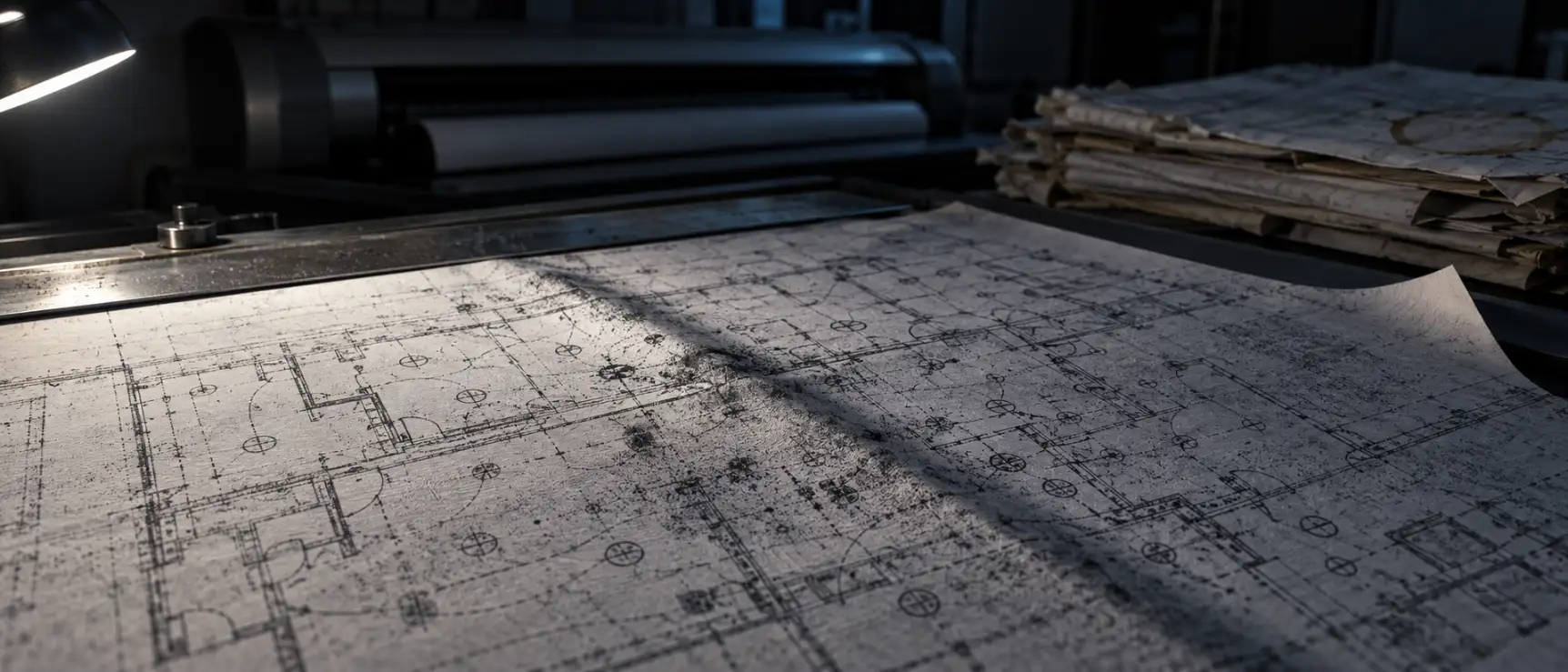
How we fixed each problem
We fixed each problem with a separate change, & each fix took longer to find than it takes to read.
Scale
We sliced every sheet into overlapping tiles & ran detection on the tiles instead of the page. Each symbol now reaches the detectors near full size, & a symbol cut at an edge survives in the next tile.
Ghosts
A brightness test rejects boxes on blank paper, & a text test reads each box to throw out grid references. A shape test rejects the oval reference bubbles, & the boxes that survive merge where they overlap.
Imbalance
We split symbol families across specialist detectors & rebalanced the examples until rare devices carried real weight. A missed fire alarm costs more than a false one, so safety symbols run at a deliberately sensitive setting.
Detection runs on overlapping tiles cut from each sheet, so no symbol shrinks out of sight.
The word blueprint outlived the blue printing process behind it by decades.
Surfacing problems like these before a bid depends on them is what an AI proof of concept is for.
What changed after go-live?
After go-live, the first count of every power-plan sheet moved from the estimator to the pipeline.
| What | Before | After |
|---|---|---|
| Counting one power-plan sheet | 30 to 60 minutes, by hand | Under 60 seconds, by machine |
| Who reads a sheet first | An estimator, symbol by symbol | The pipeline, then the estimator |
| Symbol families per pass | One at a time, by pen color | Dozens at once |
| Similar-symbol swaps | Caught late, if at all | Boxed & scored for review |
| File handling | PDFs read by eye | The same PDFs, no conversion |
We publish no detector accuracy figure here. Every count still passes an estimator’s review before it reaches a bid, & that review is the standard that matters.
Day to day, an estimator now opens an annotated drawing set instead of a blank one. The counting hours became review minutes, & review is where an estimator’s judgment earns its keep.
Still counting drawing symbols by hand?
Tell us what your sheets look like & which symbols get counted today. We’ll reply with what a detection build would need, or you can check first how ready your drawings are for AI.
What is running today
The electrical symbol detection pipeline runs in production today as a web application that the client’s estimators use on live bid work.
Estimators upload the PDF sets they already receive, & the annotated sheets come back ready for review.
Since handover, the pipeline has read entirely new drawing sets without any retraining. The legend it learned is still the legend the client’s construction projects use today.
The estimators’ files stayed exactly the same, & only the reading of them changed.

What would we do differently?
We would change four habits if we started this build again, & each one came from a mistake we made here.
Balance the classes before the first run
Common symbols drowned the rare ones, & we rebalanced only after the rare ones failed. The rarest symbol on a sheet is usually the one a bid can least afford to miss.
The rarest symbol on a sheet is usually the one a bid can least afford to miss.
Put the cheap filters first
A plain brightness check on blank paper removed more junk than anything clever, so the simple test now runs first.
Test on the ugliest sheet you have
Clean sheets flatter a detector, & the crowded sheet with everything overlapping is the one that tells the truth. Every build now starts on that sheet.
Let the specialist win every disagreement
When a general detector & a specialist disagree on a symbol, the specialist has been right every time. We made that a fixed rule instead of a debate.
Where else does electrical symbol detection fit?
Electrical symbol detection fits anywhere a takeoff still happens by eye, one colored pen at a time.
Automated symbol detection finds & counts the standard symbols on technical drawings by running trained detectors across every sheet.
| Industry | The equivalent problem | What changes in the build |
|---|---|---|
| Mechanical & plumbing | Counting fixtures & valves on trade sheets | Retrain on the mechanical legend |
| Manufacturing | Reading control-panel wiring schematics | Denser sheets, tighter tiling |
| Process plants | Counting instruments on piping diagrams | New symbol families, same filters |
| Utilities | Counting equipment on distribution maps | Larger sheets, more pages per set |
| Logistics | Counting rack & sprinkler symbols on warehouse layouts | Sparser sheets, faster passes |
The same counting pattern works on a process diagram with a different legend & the same filters.
Porting the pipeline takes annotated samples of the new legend & retrained detectors, followed by one review cycle with whoever owns the count. The filters carry over to the new drawings unchanged.
Questions buyers ask about symbol detection
Buyers ask about symbol detection in two groups, first how it works & then what it takes to roll out.
How it works
Can AI count symbols on electrical drawings automatically?
Yes, electrical symbol detection works once the detectors learn the legend your drawings use. A trained pipeline reads a dense power-plan sheet in under a minute & returns every symbol boxed & labeled. Generic tools miss far more symbols than they find.
What happens when symbols overlap other linework?
Overlap is the normal case on a power plan. The pipeline slices each sheet into overlapping tiles, so every symbol reaches the detectors near full size. A symbol that crosses a tile edge shows up in two tiles, & the duplicates merge into one.
Does automated symbol detection handle a custom legend?
Yes, & a custom legend is where it works well. The detectors train on annotated examples of the exact legend your office draws, so house styles stop being a problem. A changed legend needs fresh examples & a short retraining pass.
Time, cost & rollout
How long does a symbol detection build take?
A proof of concept on your own sheets usually takes a few weeks. Sample drawings need annotating first, & then a training pass & a review cycle each take their turn. A production system follows once estimators trust what they see.
How much does automated blueprint takeoff cost?
The cost depends on the symbol count & the drawing quality, along with what already exists. Brainy Neurals scopes it from a short call & a sample drawing set, then quotes a fixed price. An AI readiness assessment tells you whether your drawings can carry it.
Do we need CAD files, or do PDFs work?
PDFs work, & reading them was the point of the build. Estimators rarely receive native CAD files, so the pipeline reads the flattened PDFs they already get. Nobody has to convert files or ask the design office for a special export.
What do your drawings need counted?
Send a short note about your drawing sets & the symbols you count by hand today. One reply comes from the engineer who would architect the build, & no sales sequence follows.
Services behind this case study
Six Brainy Neurals services sit behind this case study, from detection models to extra engineering hands.
Computer vision development
Symbol detection models trained on a client’s own legend & sized for dense sheets.
Document AI services
Pipelines that read the PDFs a team already receives, page by page.
Video analytics
The same detection discipline pointed at live camera feeds instead of drawing sheets.
Edge AI & embedded services
Detection moved onto site hardware when the work cannot reach a cloud.
Hire AI developers
Computer vision engineers who extend a team for the weeks when drawings fight back.
AI in construction & civil
Plan review & takeoff systems, plus site systems, for teams that live inside drawings.
An AI proof of concept is the fastest way to test this pattern on real sheets. AI consulting helps weigh the routes first, & an AI readiness assessment shows whether the drawings can carry it.
The AI solutions by industry page shows where this same pattern already runs today.
Similar case studies
Similar case studies from Brainy Neurals each shipped into a real working environment instead of a demo.
Overhead Line Geometry Measurement
Stereo cameras on a moving train measure wire geometry, with inference running on the train.
AI Diet Assistant for Gastroenterology
Clinical dietary guidance generated under review gates, live in a healthcare setting.
Personalised AI Meal Planning for Chronic Care
Structured meal plans built from messy personal health data, grounded & reviewable.
Cite this case study
Cite this case study with the reference below, & use the numbered sources for the research it draws on.
Patel, Mitesh. AI Electrical Symbol Detection on Contractor Blueprints. Brainy Neurals, August 2026. https://brainyneurals.com/case-studies/automated-electrical-symbol-detection/
Sources cited on this page
[1] Moreno-Garcia CF, Elyan E, Jayne C. New trends on digitisation of complex engineering drawings. Neural Computing and Applications 31(6), 2019, 1695-1712. DOI 10.1007/s00521-018-3583-1.
[2] Elyan E, Jamieson L, Ali-Gombe A. Deep learning for symbols detection and classification in engineering drawings. Neural Networks 129, 2020, 91-102. DOI 10.1016/j.neunet.2020.05.025.
[3] Cheng G, Yuan X, Yao X, Yan K, Zeng Q, Xie X, Han J. Towards Large-Scale Small Object Detection: Survey and Benchmarks. IEEE Transactions on Pattern Analysis and Machine Intelligence 45(11), 2023, 13467-13488. DOI 10.1109/TPAMI.2023.3290594. PMID 37384469.